If you are a content creator, you have probably felt this, a new AI tool drops, everyone talks about it, you sign up, play with it for a few days, and then nothing really changes. You are still spending just as many hours writing, editing, designing, and filming as you were before.
You are not alone. Most creators are not getting the time savings they expected from AI, not because the tools are bad, but because they are using them the wrong way.
This blog covers how real creators are using AI to build faster and leaner workflows while having a creative output.
The Numbers Are Hard to Ignore
According to survey data from over 6,000 creators published by Artlist in late 2025, creators who use AI save an average of 3 hours per piece of content. AI tools are saving content creators an average of 2.5 hours per day, and content production speed has gone up dramatically. AI assistance can cut content creation time by up to 93% for certain tasks.
The adoption numbers are just as striking. 87% of content creators already use AI tools as of 2026. And yet, many of them feel like they are not getting much out of it.
Why? Because having AI tools is not the same as using them well.
A Harvard Business School study found that AI users completed tasks 25.1% faster than non-users while simultaneously achieving over 40% higher quality ratings. That dual benefit, speed and quality only happens when you build a focused system around a small set of tools. It does not come from trying every new app that launches.
AI tools can save an average of 5 hours per week for creative workers, and 82% of creators say AI tools have improved the quality of their creative work. But there is a catch: most teams benefit from combining two to three tools rather than forcing one platform to handle every content type.
That last point is the one most creators miss.
Stop Chasing Shiny Objects
The biggest mistake creators make with AI is treating it like a shopping spree instead of a system.
If your job is specifically to review AI tools, like a tech journalist, testing constantly makes sense. But if you are a creator trying to make better content and save time, constantly switching tools is the exact opposite of what you need.
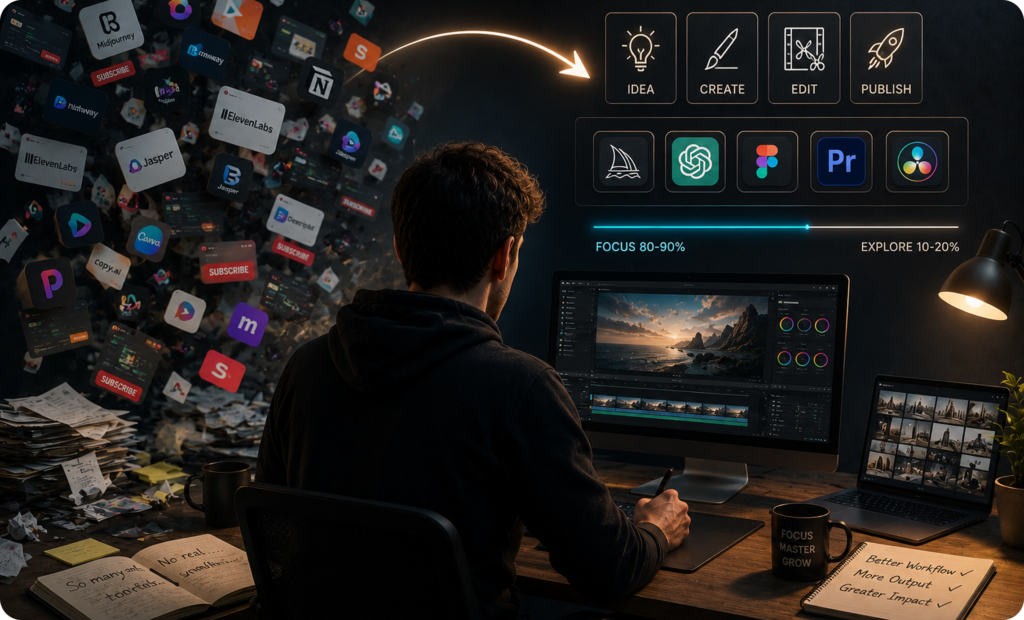
AI industry experts call this “bright shiny object syndrome.” You see a tool that looks like it will solve your problem, you try it, then spot another one that looks even better, and before long you have fifteen subscriptions and no real workflow.
The alternative is to spend about 80% of your time strengthening the workflows you already have, and only 10 to 20% exploring something genuinely new. The benefit is something more valuable than time saved on any single task, it is compounding skill. When you use the same tools consistently, you start finding advanced uses you never would have discovered in a quick trial.
This is how solo creators are scaling to the output of full teams. Not by using more tools, but by getting deeply good at fewer ones.
The AI Tools Shift
One of the most important shifts happening in AI right now is that creators are moving away from using one general tool for everything. Skilled practitioners now understand that multiple specialized tools outperform any single platform for specific use cases.
Think of it this way. A general-purpose AI tool is like a Swiss Army knife, useful in a pinch, but not the right choice when you need a proper kitchen knife for cooking or a sharp blade for carving. The same logic applies to creative work.
The most important structural shift in AI content platforms between 2023 and 2026 is multimodality. Early AI writing tools handled text only. Today, leading platforms can generate or assist with written copy, AI-generated images, short-form video scripts, audio voiceovers, and social visuals within a single workflow.
This means the landscape has split into two clear categories. On one side, you have writing-focused tools like Claude and Jasper that are best for long-form content and maintaining brand voice. On the other, you have platforms built around visual and video creation that layer in writing support as a secondary feature. Smart creators combine one from each category rather than expecting a single app to do it all.
What AI-Enhanced Creative Work Actually Looks Like
Let’s get concrete. Here is what using AI well looks like across the major areas of content creation.
Writing and Long-Form Content
For writing, the tools that consistently come out on top are Claude and ChatGPT, but they serve slightly different strengths. In 2026, standouts include ChatGPT and Claude for long-form drafts, Jasper for brand tone.
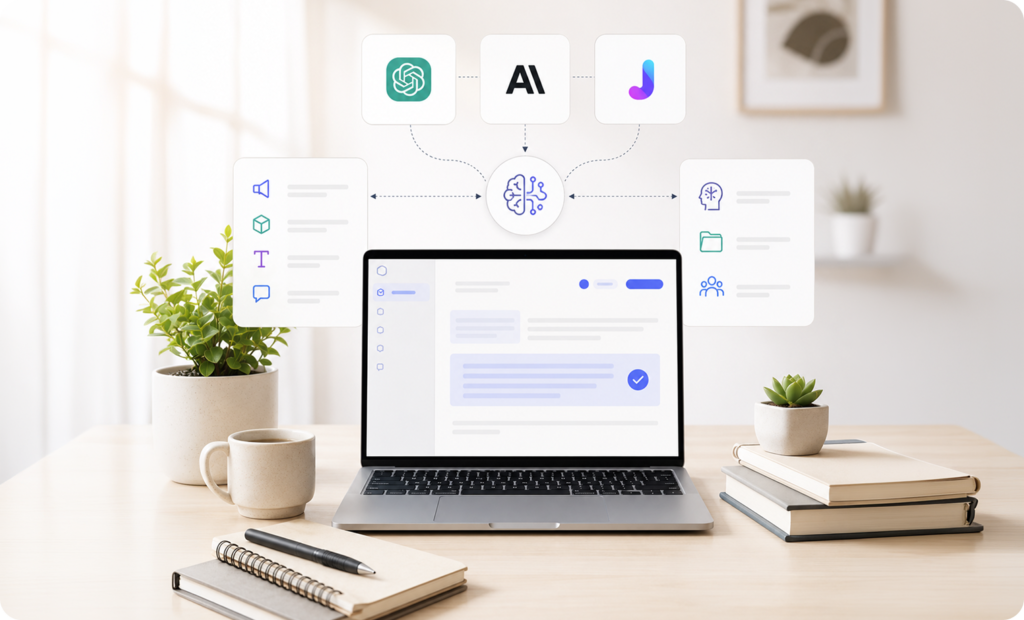
Claude in particular stands out for one reason most people overlook: memory. Its Projects feature lets you load a tool with your brand voice, product details, tone guidelines, and past conversations, and it retains all of that across sessions. When a new email from a brand partner arrives, you paste it in, and Claude already knows exactly how you communicate and what your rates are. No explaining yourself from scratch every time.
This is not just a convenience feature. It is the difference between using AI as a calculator, something you reach for when you need a quick answer and using it as a collaborator that genuinely understands what you are building.
Claude’s Projects let you organize work and keep context across sessions. For creators managing multiple brands, product lines, or content verticals, having a separate Project for each one means the AI always shows up with full context.
Image and Thumbnail Creation
Visual content is where AI has made some of the most dramatic leaps. AI now enables creators to transform text into high-quality images that meet commercial standards. Styling features ensure that branding remains consistent across different visual projects.
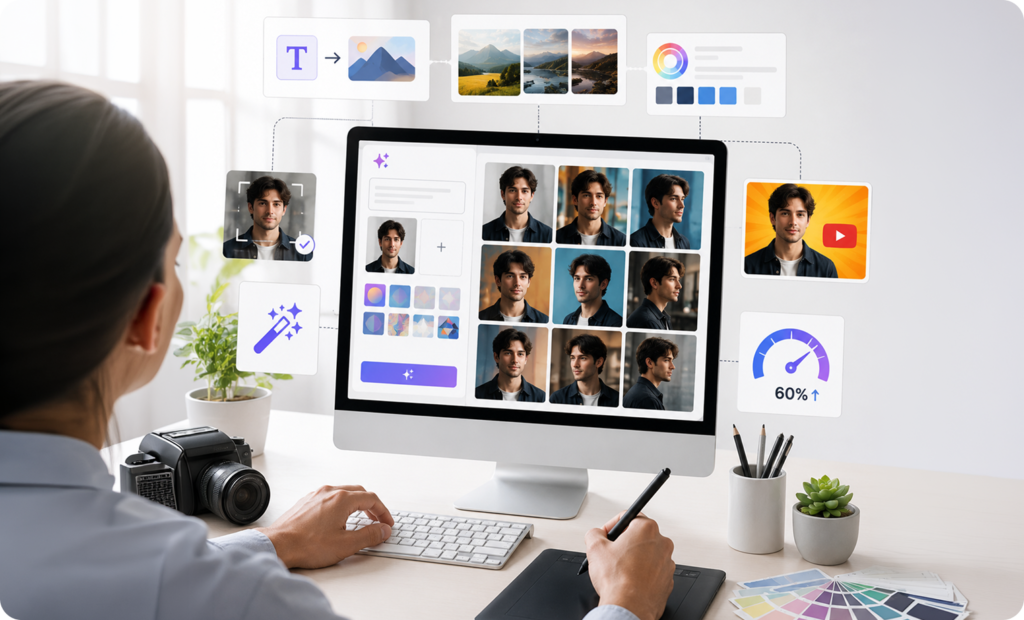
Platforms like Hailuo AI take this further by allowing creators to generate multiple images simultaneously from a single prompt and use reference photos to maintain visual consistency across different outputs. A creator producing YouTube thumbnails can upload one photo of themselves and generate versions from different camera angles, something that would have required a professional photography session just a couple of years ago.
Generative AI can speed up image editing tasks by 60%. For independent creators who used to outsource graphic design work or spend hours in editing software, this is a genuine shift in how much is possible with a small team.
Video Creation and Repurposing
Video is where most creators feel the biggest time crunch, and where AI is making the biggest dent.
Creators across platforms like YouTube, blogs, and social media now rely on artificial intelligence to streamline nearly every stage of production, generating ideas, writing scripts, editing videos faster, designing thumbnails and graphics, and analyzing audience engagement.
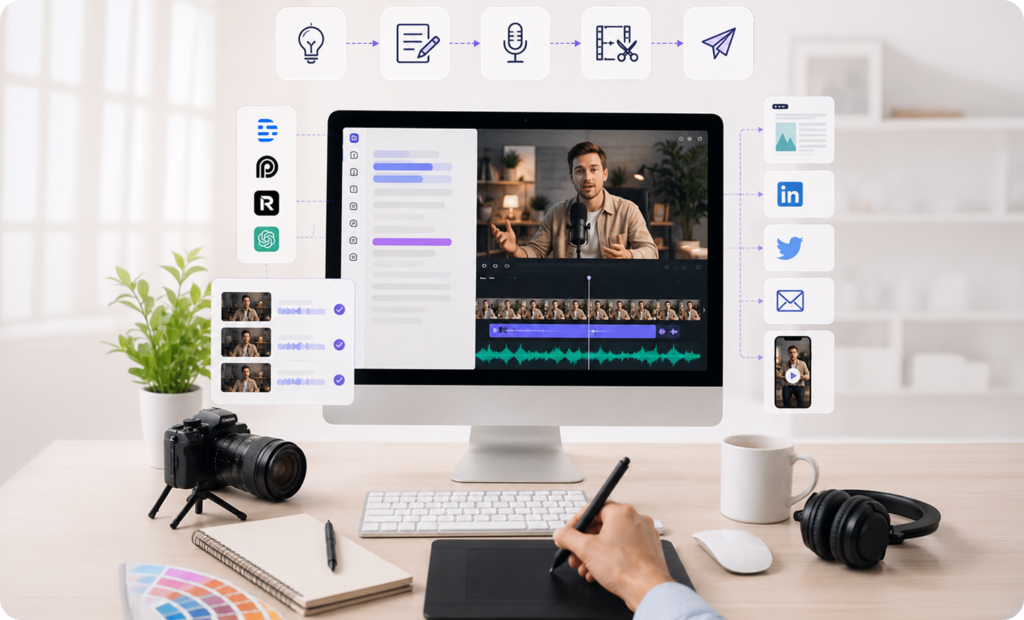
Tools like Descript let you edit a video by editing its transcript, you delete words from a text document and the corresponding footage disappears. Opus Clip finds the most engaging moments in long videos and automatically turns them into short-form clips optimized for different platforms. Descript is the ultimate tool for turning podcasts, interviews, and webinars into blog posts and short clips.
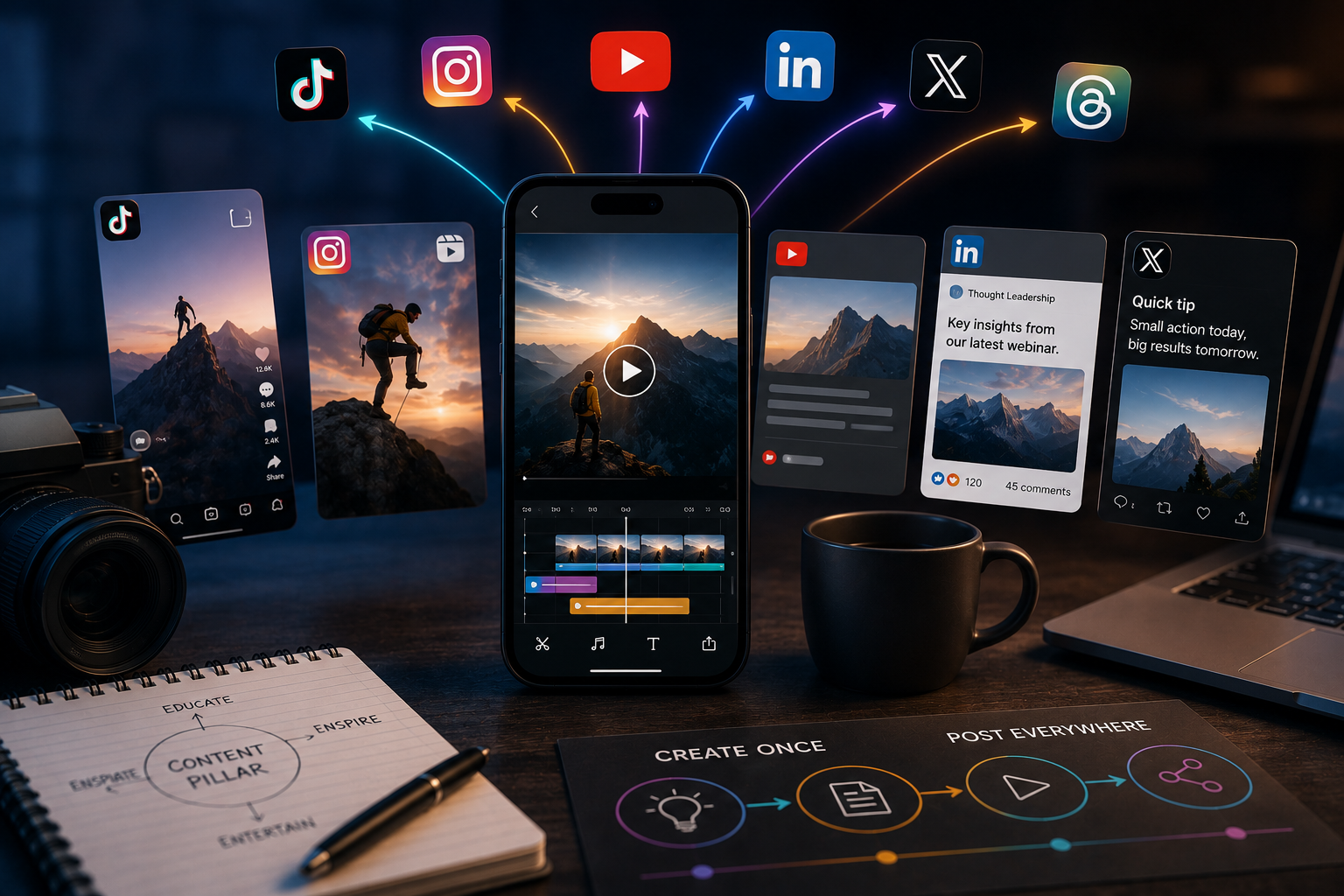
One of the most powerful workflows happening right now is content multiplication. The smartest content creators use AI to transform one piece of content into multiple formats. A single blog post becomes LinkedIn posts, Twitter threads, newsletter content, and documentation. The key insight here is that AI is excellent at reformatting and restructuring. Your original thinking provides the substance; AI handles the format translation.
Audio and Voice
Modern audio enhancement tools have transformed production by automatically refining sound quality, ensuring clarity and richness previously achievable only in professional studios. Automated features streamline processes like mixing and mastering, making high-quality podcast production accessible to all creators. Music generation tools also provide custom soundtracks, offering unique, royalty-free audio solutions.
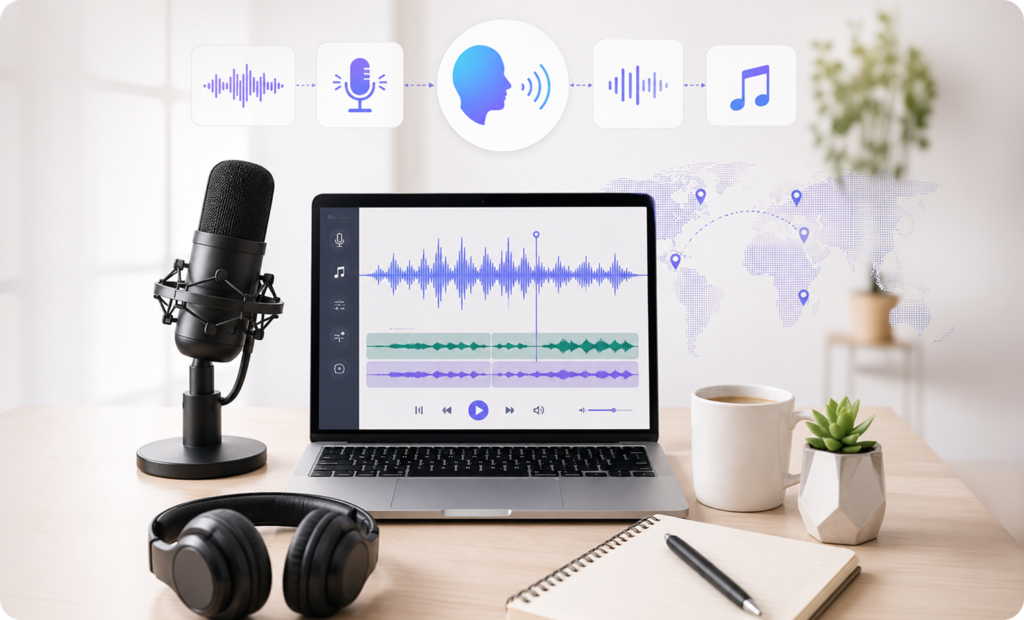
Tools like ElevenLabs now generate voiceovers realistic enough for professional narration, tutorials, and even video ads, without a recording studio or expensive gear. For creators building faceless channels, producing content in multiple languages, or narrating educational material, this removes a significant production barrier.
The Creativity Problem Nobody Talks About
Here is the honest part.
AI-generated scripts, AI voiceovers pretending to be you, AI thumbnails that look like every other AI thumbnail, these compromise the thing that makes your channel worth watching in the first place. The authenticity problem is real.
When people suspect content is AI-generated, their engagement drops. While 85% of marketers believe generative AI will transform content creation and 90% of users report improved efficiency, consumer sentiment tells a different story. Trust concerns, authenticity questions, and quality perception issues create friction that adoption rates alone don’t capture.

This is not an argument against using AI. It is an argument for using it in the right places.
The creators who are winning right now are not the ones automating their personality. They are the ones using AI to handle the parts of their workflow that don’t require their voice, the formatting, the repurposing, the research, the thumbnail variations, so they have more time and energy for the parts that do.
The most successful creators today are not replacing creativity with AI. Instead, they are using AI as a creative partner that helps turn ideas into high-quality content faster than ever before.
Building Your Own Stack
The question most creators get wrong is: “What is the best AI tool?”
The right question is: “What does my workflow actually need?”
A practical starting point for most creators looks something like this. For writing, scripting, and brand communication, a tool like Claude covers most ground and gets better the more context you give it. For visuals, a platform that can handle both images and short video clips in one place removes the need to jump between apps. For video repurposing, something that can cut long-form content into social-ready clips saves significant editing time.
Most creators only need 3 to 4 tools. More tools usually means more time managing and less time creating.
The goal is not to have the biggest AI stack. The goal is to build the smallest stack that covers everything you actually need, and then get genuinely good at using it.
Finally…
AI did not change what good content requires. It changed how long it takes to produce it.
The creators who will pull ahead over the next few years are not the ones who adopted AI earliest or tried the most tools. They are the ones who figured out where AI makes their work better, built a repeatable system around it, and kept their own creative voice at the center.
Frequent users of AI gain the most, 27% of AI users save over 9 hours per week, with some power users reclaiming 20 or more hours weekly by automating research, drafting, and administrative tasks.
Adoption surged in 2025, with 70% of marketers using AI daily. The creators who treat AI as a serious part of their workflow now are the ones with a real advantage when the rest of the field catches up.
Start with one or two tools. Use them until they feel like second nature. Then build from there.
That is the stack that actually saves time!
Ready to Build Smarter with AI?
Superion helps you design the right AI stack, simplify your workflow, and focus on what actually drives results. Explore how Superion can transform your content workflow. Visit https://superion.in/ now!